

 كيسة جيمنج
 باور صبلاى- PSU
 كيبورد جيمنج
 كيبورد مكتبى
 كيبورد وايرليس
 كيبورد + ماوس | كومبو
 كومبو جيمنج
 كومبو مكتبى
 ماوس جيمنج
 ماوس مكتبي
 ماوس لاسلكي | بلوتوث

 سماعات جيمنج
 سماعات وايرليس
 سماعات اذن
 ايربودز بلوتوث

 ميكروفونات
 إكسسوارات ميكروفون


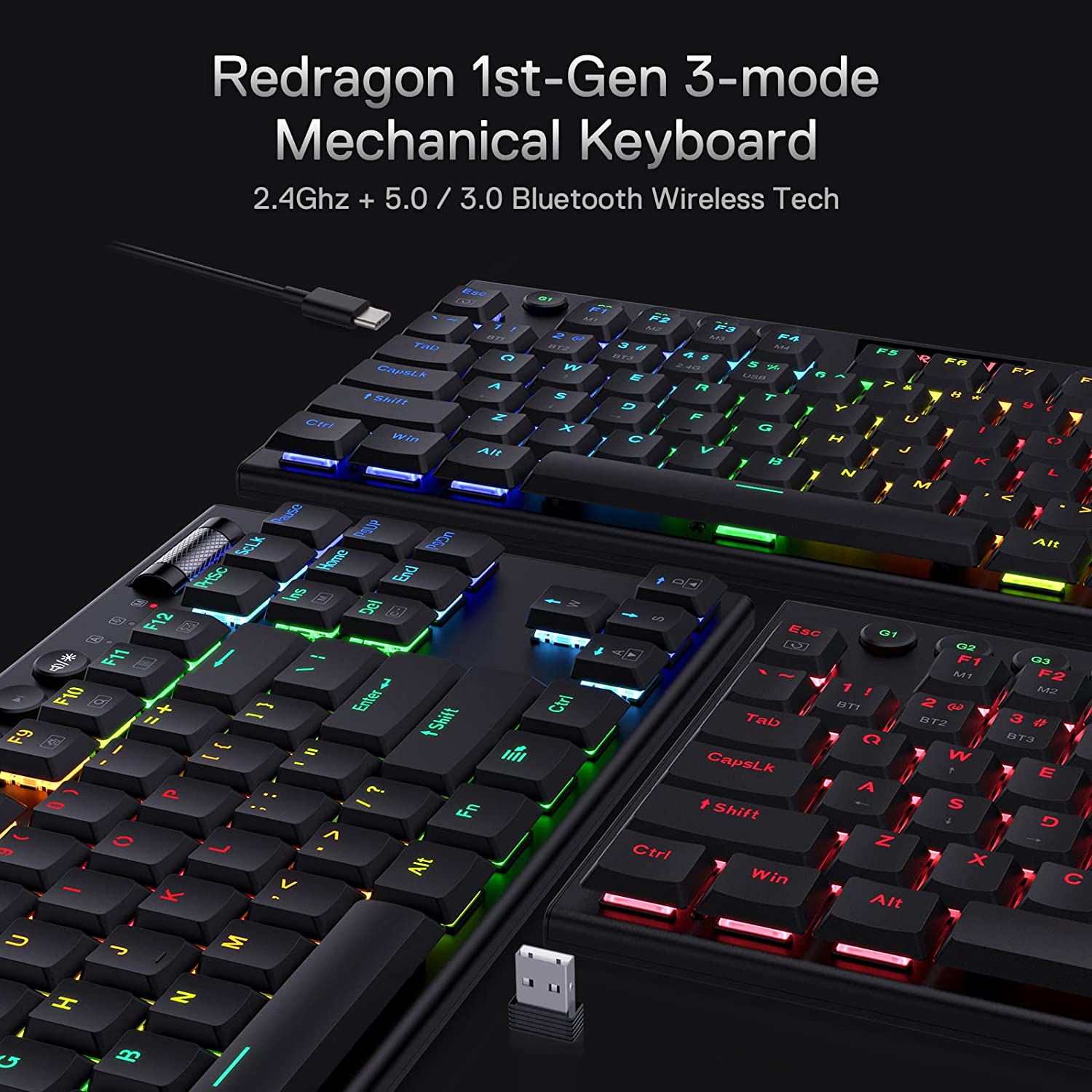
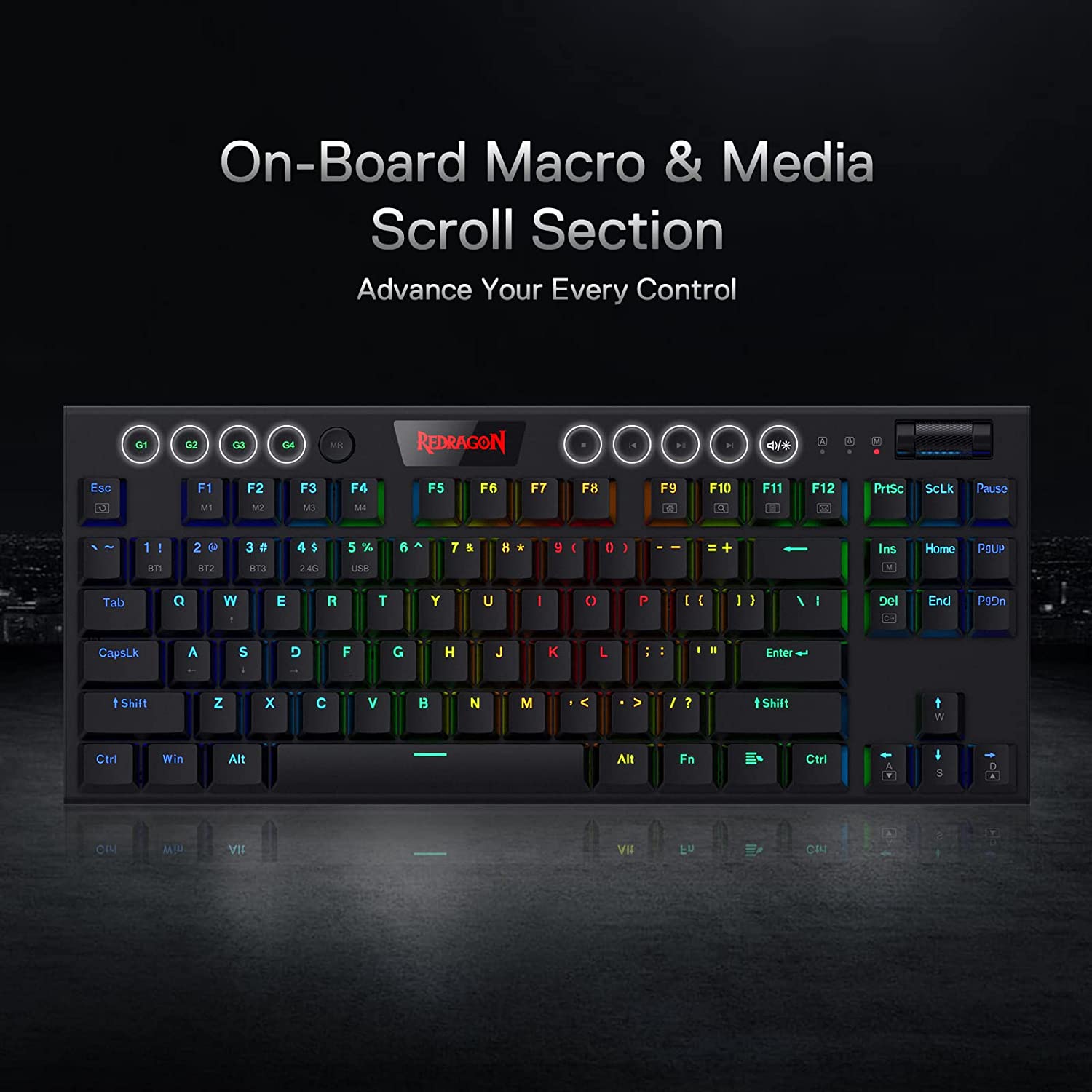

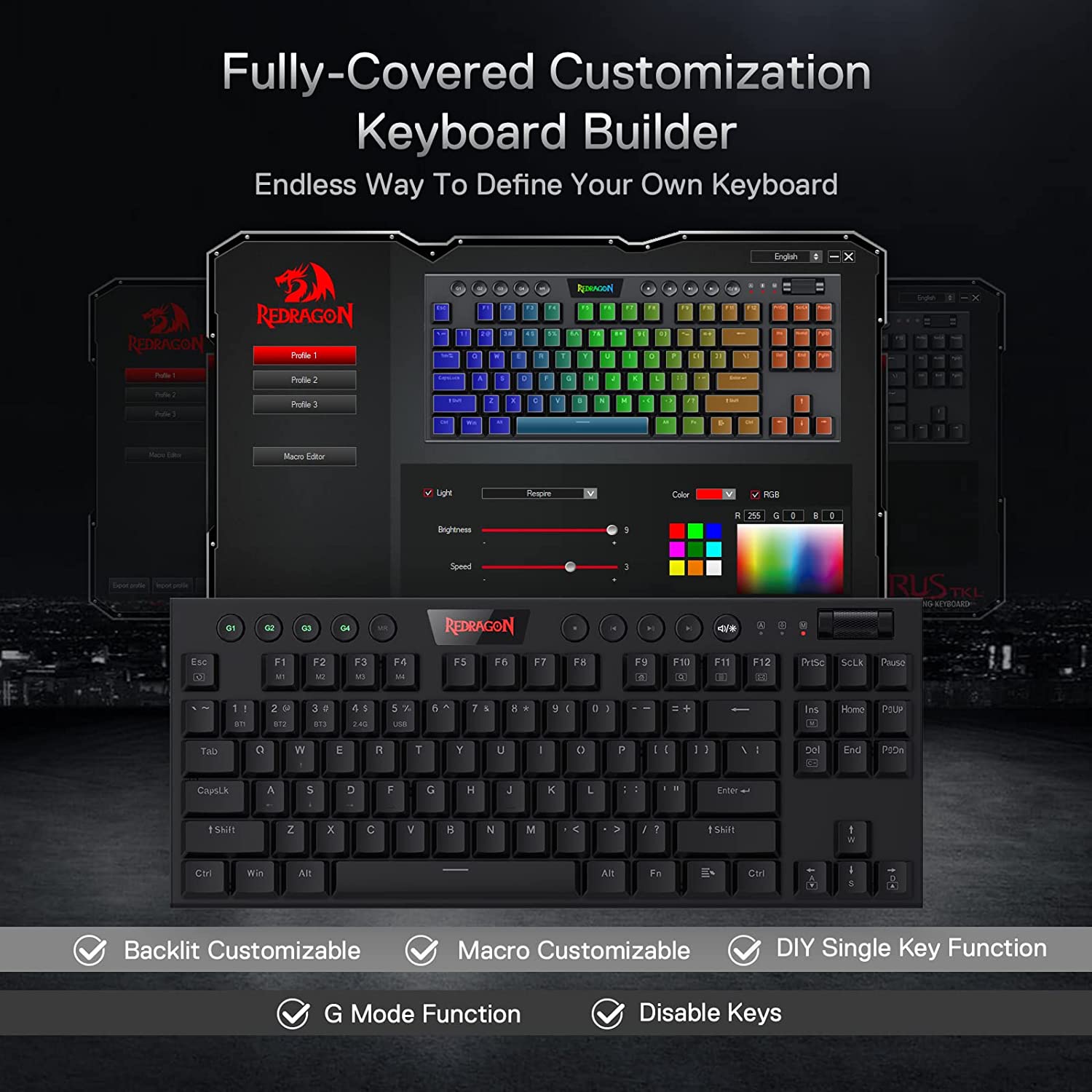



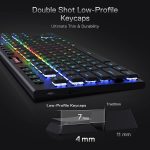
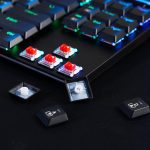


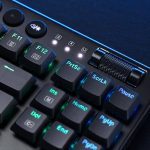

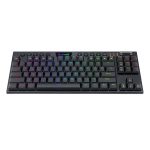
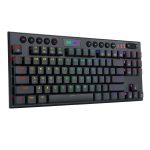
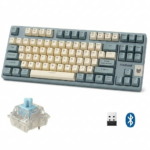


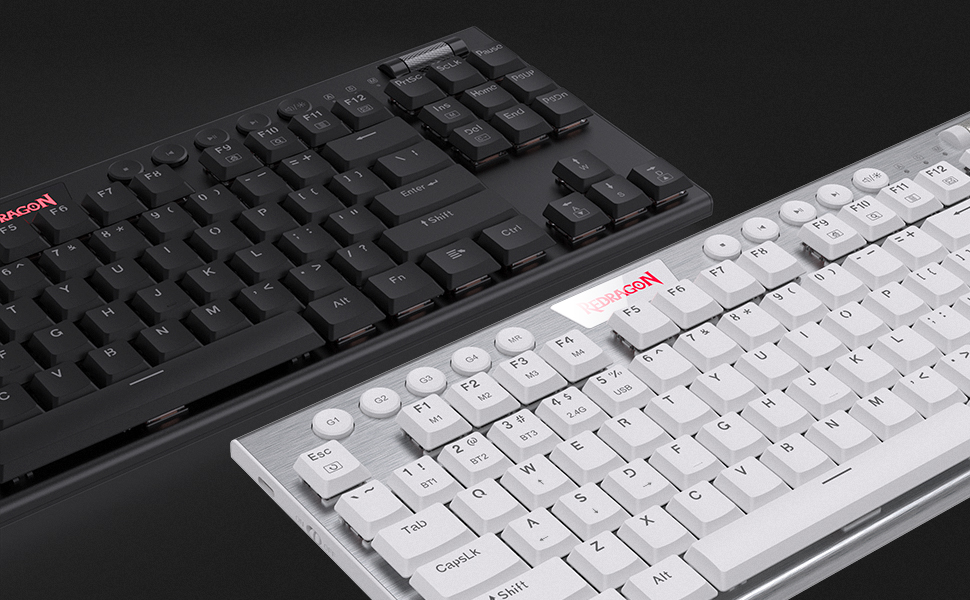
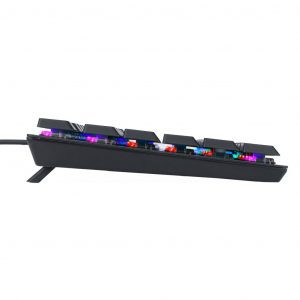
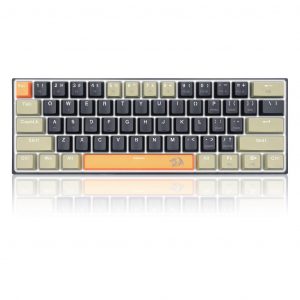
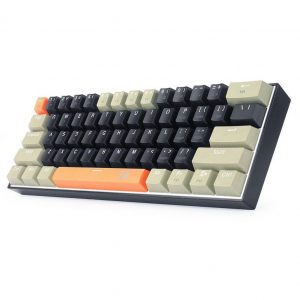
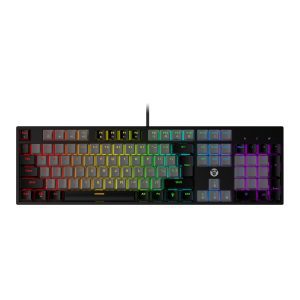
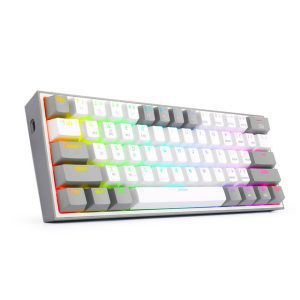
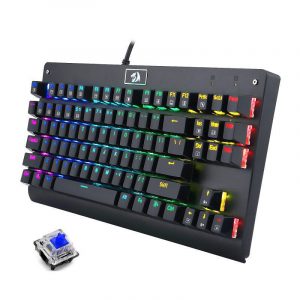
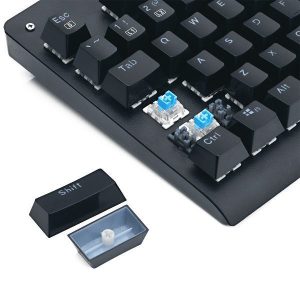
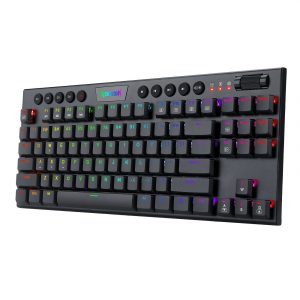
REDRAGON K621 HORUS 80% TKL Wireless / BT / Wired RGB Gaming Mechanical Keyboard – Low Profile Red Switches | Black
السعر الأصلي هو: 3,274 ج.م.2,946 ج.مالسعر الحالي هو: 2,946 ج.م.
- 12 Month Warranty
- English & Arabic Layout
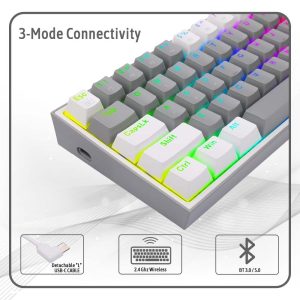
- Three Modes 5.0 BT / 2.4 Ghz / Wired
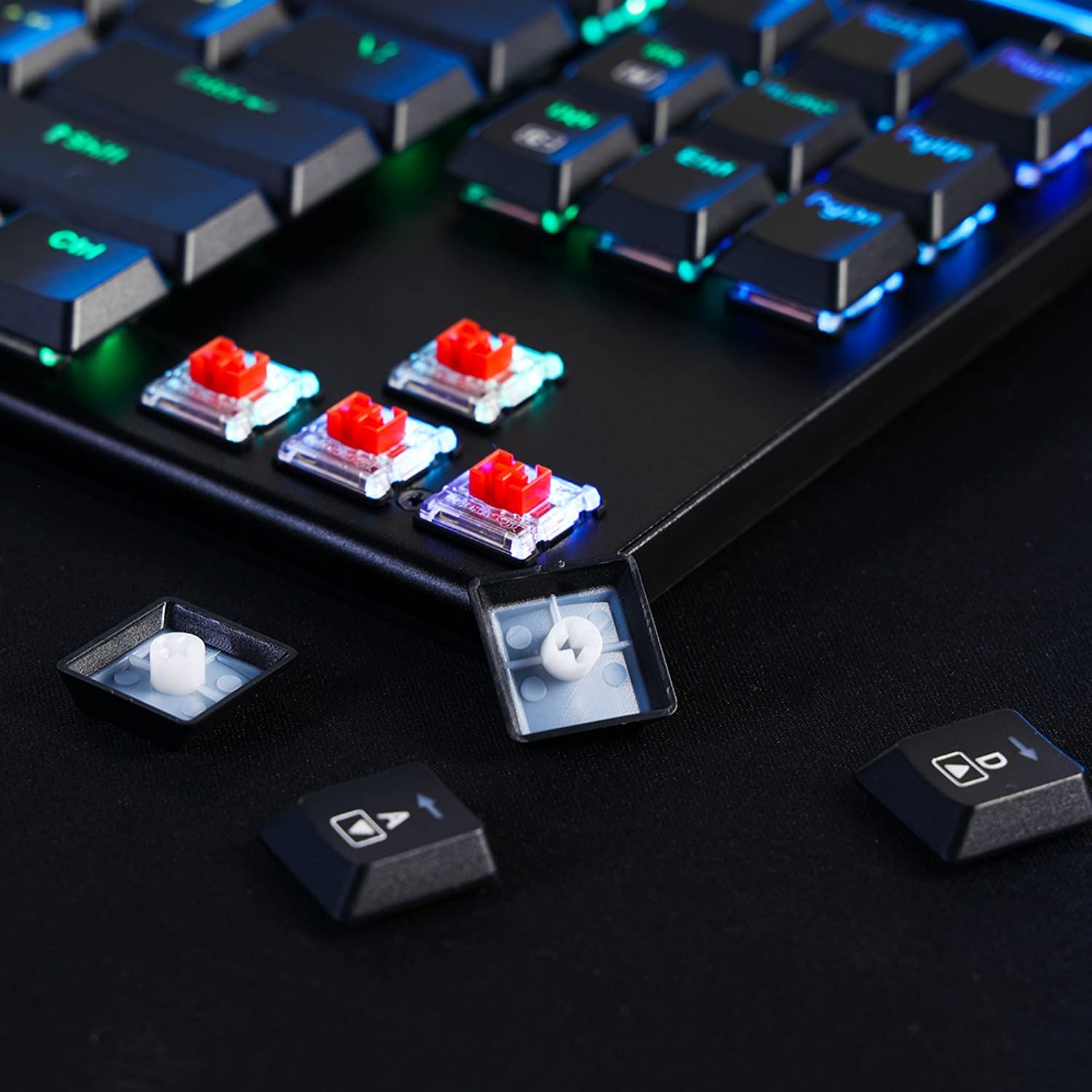
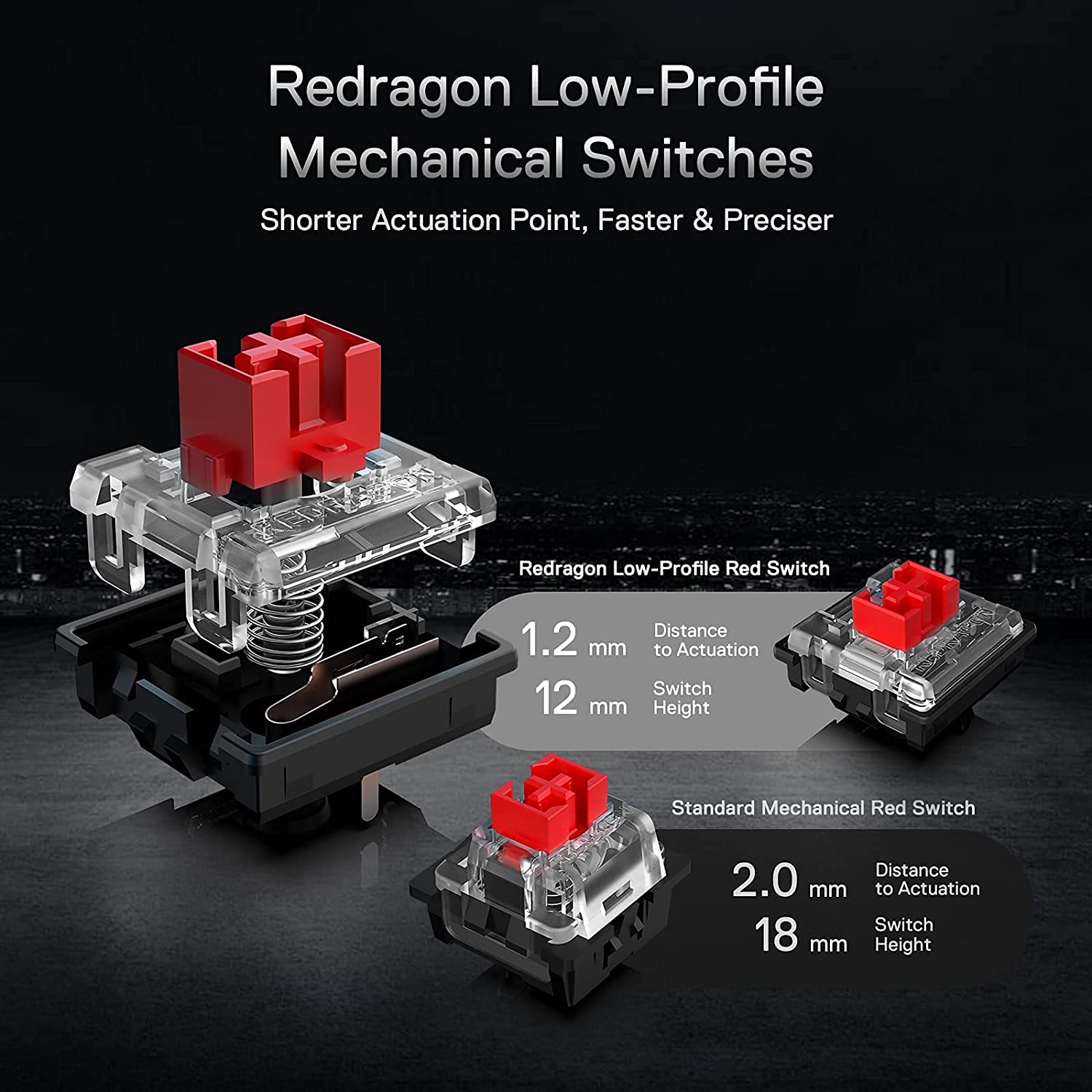
- Red Low Profile Switches
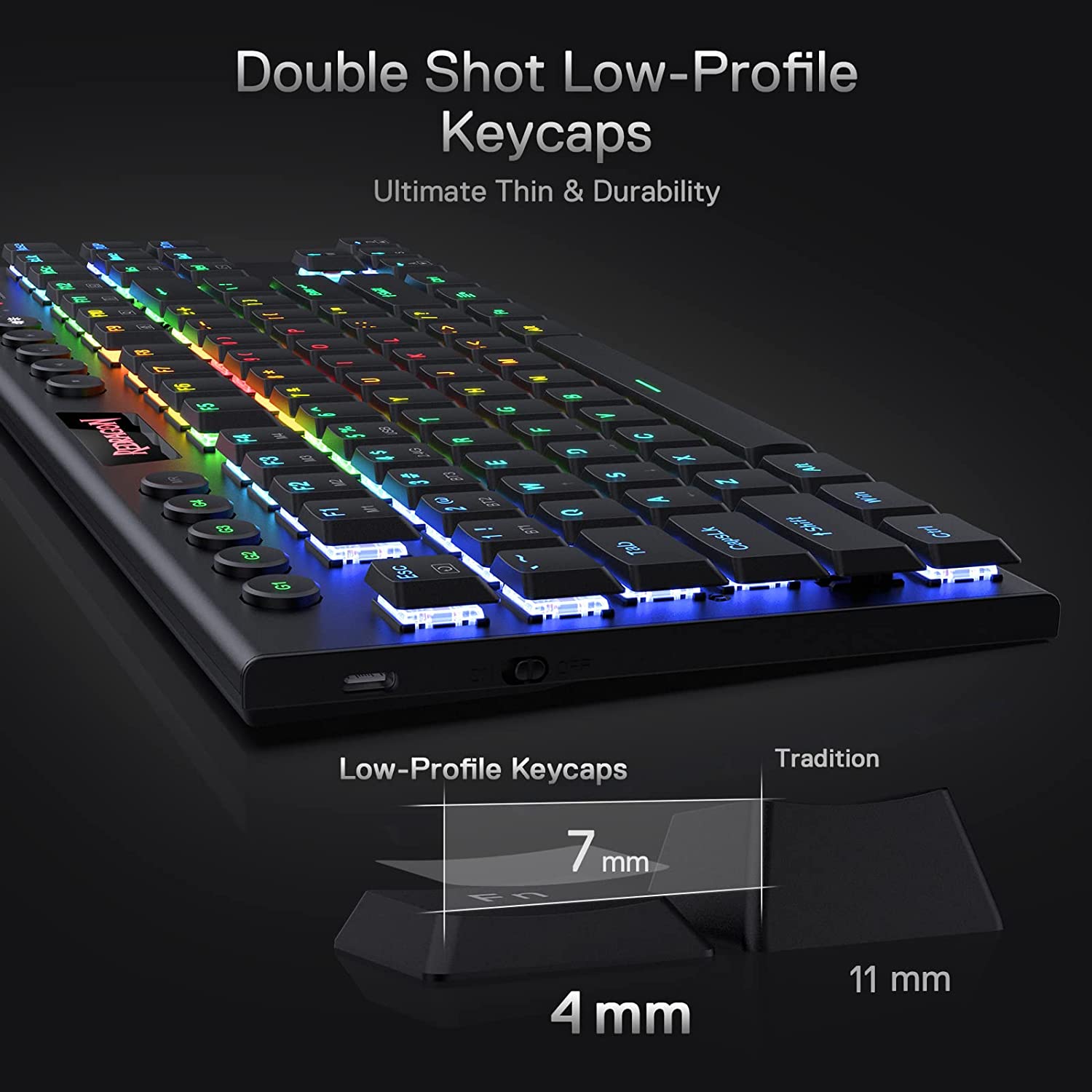
- Ultra-Thin Designed
- Wired Detachable Type-C Cable
- Macro & Multimedia Key / Volume Wheel
- Advanced Software
| حجم: TKL 80% | |
| Port: Bluetooth / Wireless / Wired |
غير متوفر بالمخزون
REDRAGON K621 HORUS Wireless Keyboard
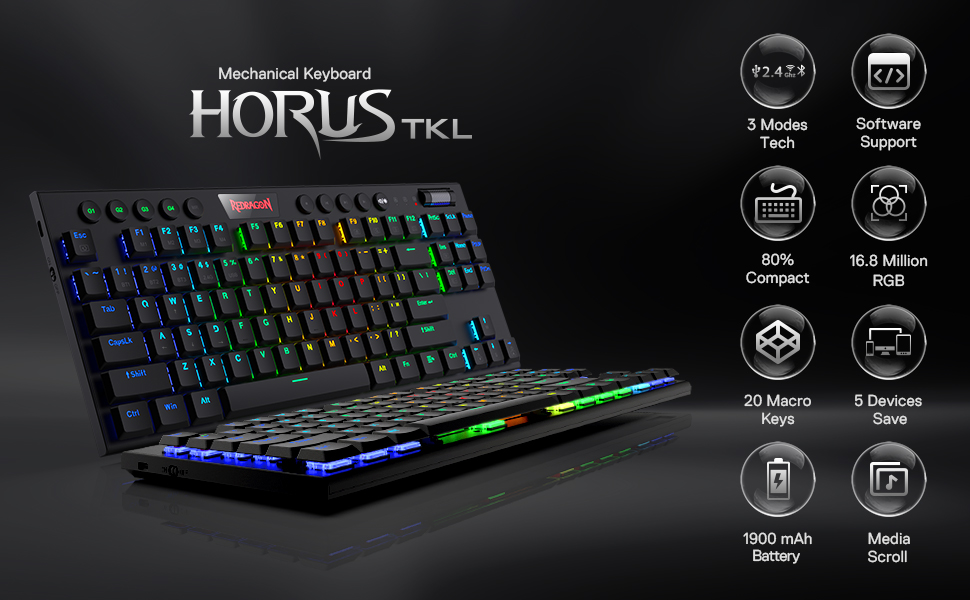
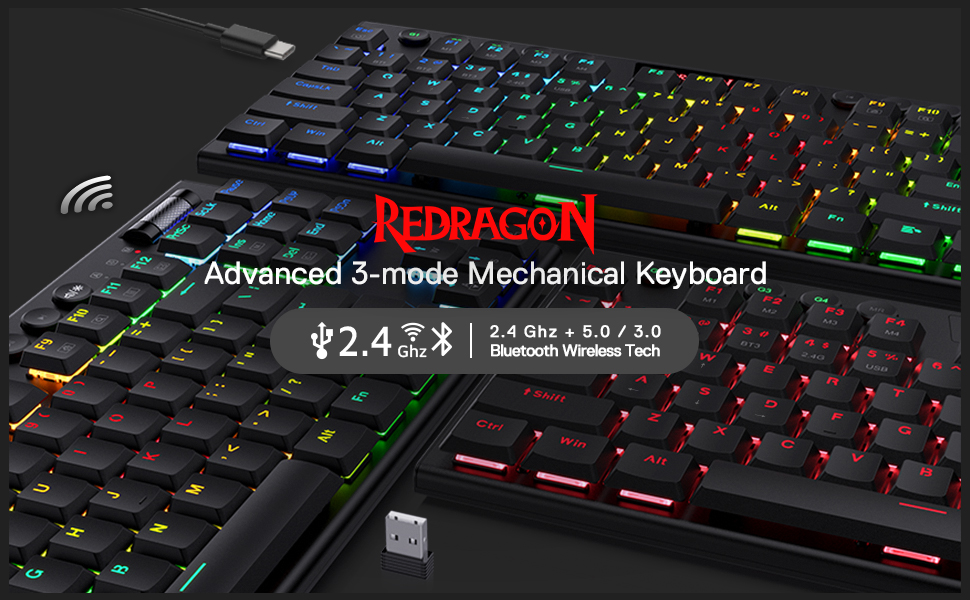
REDRAGON K621 Horus Wireless Keyboard TKL RGB Mechanical Keyboard, 5.0 BT/ 2.4 Ghz/ Wired Three Modes 80% Ultra-Thin Low Profile Bluetooth Keyboard w/Dedicated Media Control & Linear Red Switches, Pro Software Supported | Black
|
|
|
|---|---|---|
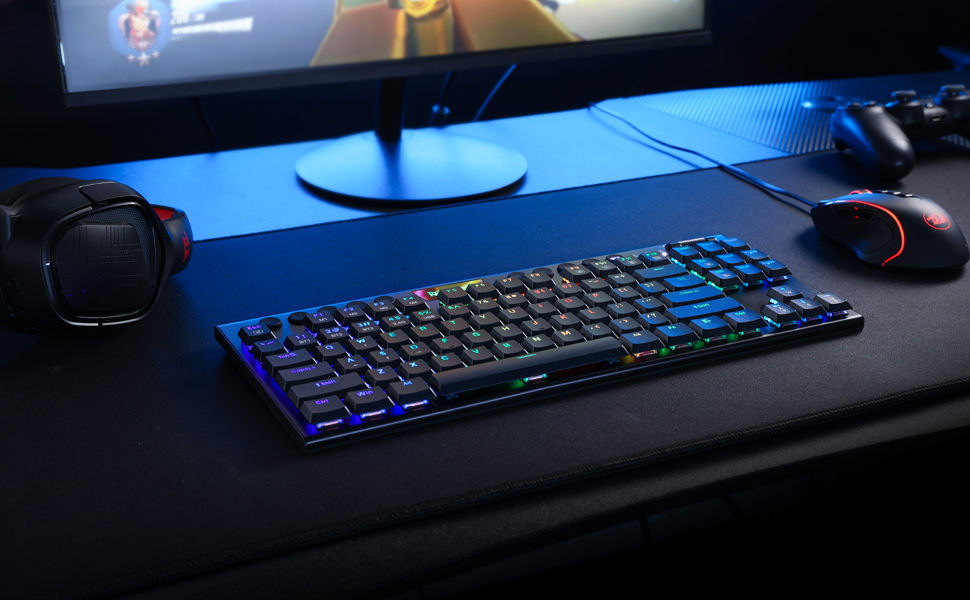
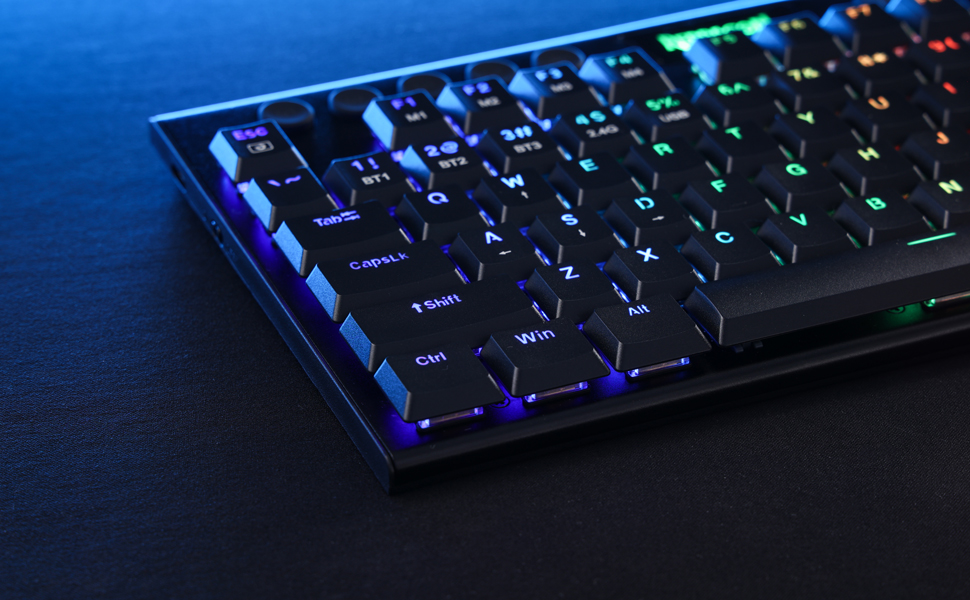
5 Devices SwitchableWith 3 Bluetooth devices storable, a 2.4Ghz wireless mode, a wired mode, K618 can save and switch connections to five devices simultaneously. One keyboard is good enough for most of the devices in your home. | Superb RGB For GamerUp to 20 preset vibrant backlight modes can be adjusted easily by FN + Ins, the brightness is also adjustable by scroll section. Redragon logo filled with same RGB colors offers extra actively buff for gamer. | Solid Use DurabilityEquipped with an advanced durable battery, the keyboard provides a prolonged using time in wireless mode. Low battery indicator makes sure the keyboard will always online if you don’t forget to recharge. |


Q&A
- Q1: How can I tell what mode the keyboard is in? How to switch modes?
In different modes, the M indicator will be displayed in different colors. Three modes BT1 (2, 3)/2.4G/USB will display Blue (Cyan, Purple)/Green/White in order.
With existing device connections, switching among by FN+1.2.3(BT)/4(2.4G), FN+5 (OFF).
- Q2: When does the keyboard needs to be recharged and how do I know it is full?
When the M indicator light starts flashing in red, it is in low battery indication and you need to plug in the USB-C cable to charge in time.
During charging, M indicator will stay in solid red color (any mode) and restore to current connection mode color status when it’s fully charged.
- Q3: Even in OFF mode, why does the keyboard still go into sleep mode?
This is because the keyboard is still in wireless mode (even in OFF mode), you need to press FN+5 to enter the wired USB mode again to make the keyboard backlight does not go out.
- Q4: Why does the W/A/S/D keys become arrow keys? Why does the F1-F4 keys show different solid color?
Press FN + W to switch the WASD keys function to arrow keys, press them again to restore original. M1-M4 profile function will be activated when press FN + F1-F4 together, F1 will be lighted to white when profile M1 selected by pressing FN + F1 (FN + ESC to reset and exit profile mode).
| Port |
Bluetooth / Wireless / Wired |
|---|---|
| حجم |
TKL 80% |
يسمح فقط للزبائن مسجلي الدخول الذين قاموا بشراء هذا المنتج ترك مراجعة.





















المراجعات
لا توجد مراجعات بعد.