

 كيسة جيمنج
 باور صبلاى- PSU
 كيبورد جيمنج
 كيبورد مكتبى
 كيبورد وايرليس
 كيبورد + ماوس | كومبو
 كومبو جيمنج
 كومبو مكتبى
 ماوس جيمنج
 ماوس مكتبي
 ماوس لاسلكي | بلوتوث

 سماعات جيمنج
 سماعات وايرليس
 سماعات اذن
 ايربودز بلوتوث

 ميكروفونات
 إكسسوارات ميكروفون


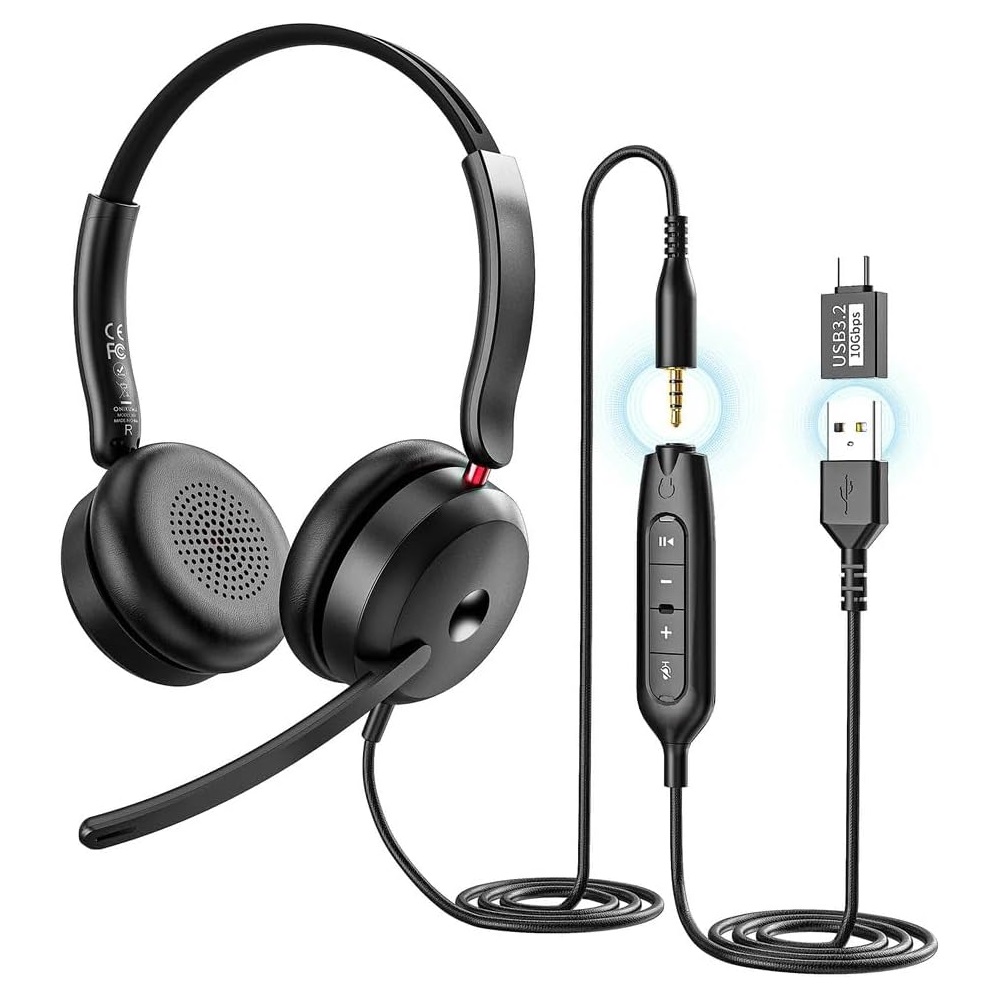




ONIKUMA X81 Multi-Platform Headphon – AUX 3.5 / USB-A / USB-C | Black
السعر الأصلي هو: 750 ج.م.650 ج.مالسعر الحالي هو: 650 ج.م.
- 6 Month warranty
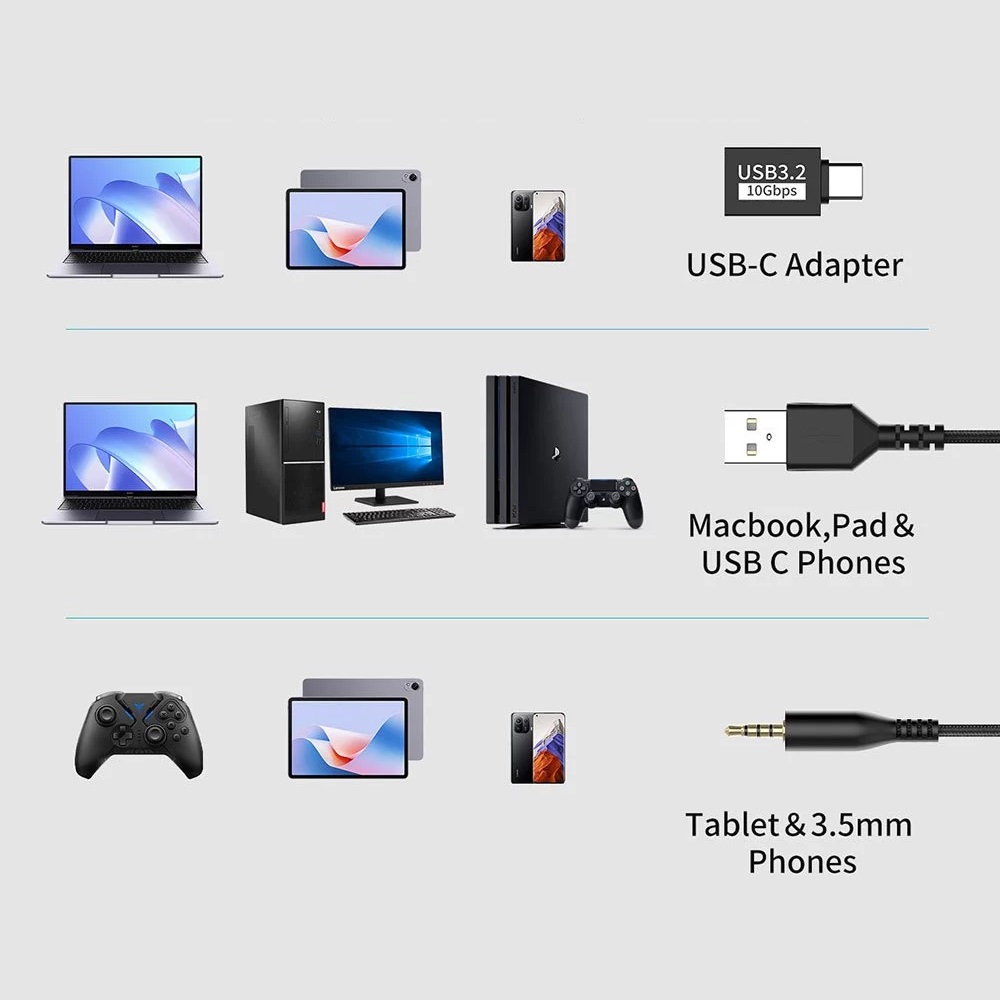
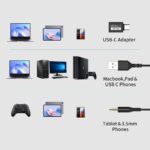
- Wired Headphones AUX 3.5mm / USB-A / USB-C
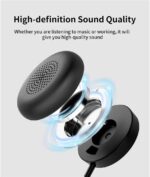
- HD Sound Quality 40mm Speaker Unit
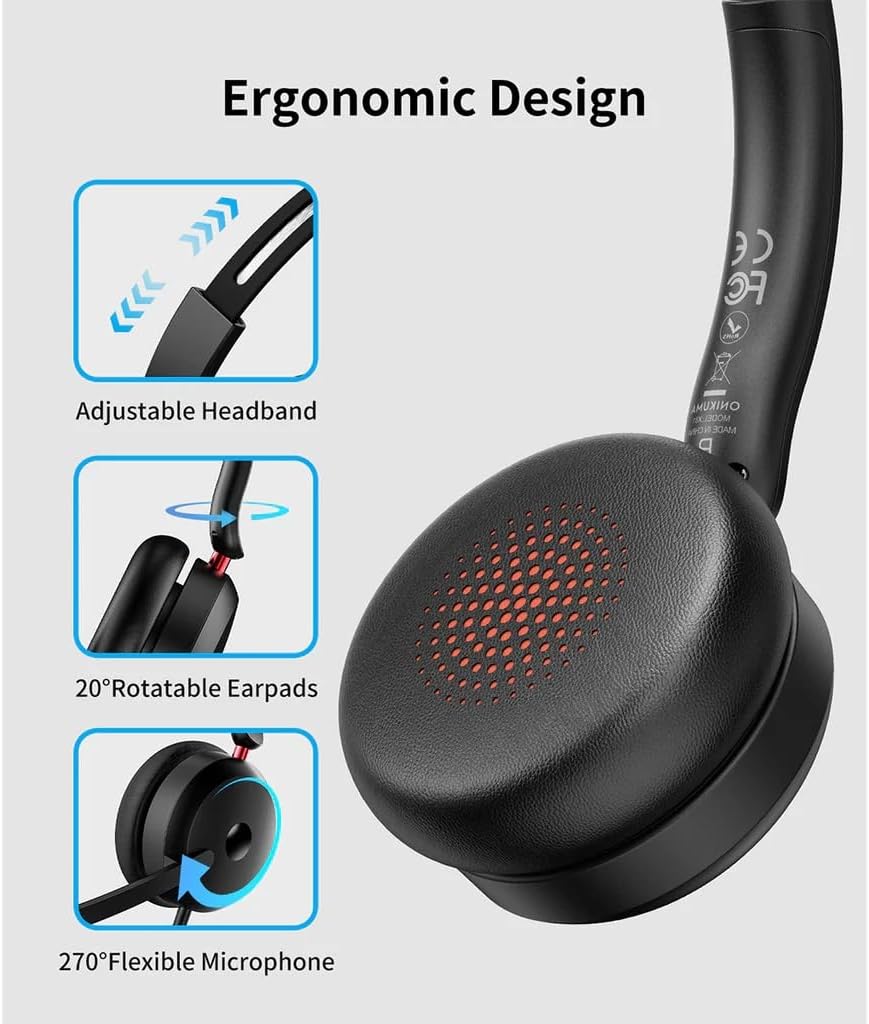
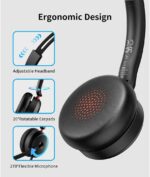
- The earcups rotate 20° for comfortable use
- High-Performance Noise-Reduction Microphone rotates 270
- Multi-Platform Support : PS 4/5, Switch, Mobile, PC
ONIKUMA X81 Multi-Platform Headphon
ONIKUMA X81 Multi-Platform Headphon Professional On-Ear Wired with Noise Cancelling Microphone – HD sound quality for crystal-clear audio – 40mm Speaker Unit – Support AUX 3.5mm / USB-A / USB-C, For PC, Mobile , PS5 -4, Xbox, Laptop | Black
These wired headphones support AUX 3.5 / USB-A / USB-C, allowing them to connect to almost any device, including PCs, laptops, Macbooks, smartphones, and more. Enjoy HD sound quality for crystal-clear audio. The ergonomic design features an adjustable headband that fits comfortably in your head. The earcups rotate 20° for comfortable use, while the microphone rotates 270° and offers excellent noise reduction.
Product Features
- Wired Headphones Supports AUX 3.5 / USB-A / USB-C
- Compatible with 99% of devices
- HD Sound Quality 40mm Speaker Unit
- The earcups rotate 20° for comfortable use
- High-Performance Noise-Reduction Microphone rotates 270°
How to use:
- Turn on/off the voice assistant – When connected – Press and hold the Play button
- Answer a call – Incoming call – Press the Play button
- Hang up – During a call – Press the Play button
- Reject a call – Incoming call – Press and hold the Play button
- Turn on/off the microphone – Incoming call/During a call – Press the Mute button (red light when microphone mute is enabled, off when microphone mute is disabled)
- Play/Pause – Press the Play button
TECH SPECS
- Brand: Onikuma
- Model: X81
- Speaker Size: 40mm
- Impendance: 16Ω±15%
- Sensitivity: 115±3dB
- Frequency Response: 20Hz-20KHz
- Microphone: 4.0×1.5mm
- Microphone Sensitivity: -42±3dB
- Microphone Impendance: ≤2.2KΩ
- Directionality: Omni-Directional
- Cable Length: 1.8±0.15
- Working Current: ≤20mA
- Headset Jack: Type-C/USB
- Product Size: 10x15x4
- Compatibility: PC, Mac, PS4, Xbox, Switch, mobile devices
| Brand |
ONIKUMA |
|---|---|
| اللون |
أسواد |
يسمح فقط للزبائن مسجلي الدخول الذين قاموا بشراء هذا المنتج ترك مراجعة.
ربما يعجبك أيضا …
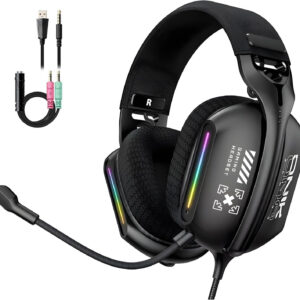
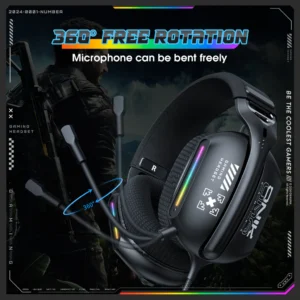
Onikuma X12 RGB Surround Sound Gaming Headset – 3.5mm Jack | Black
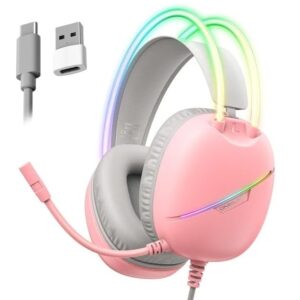
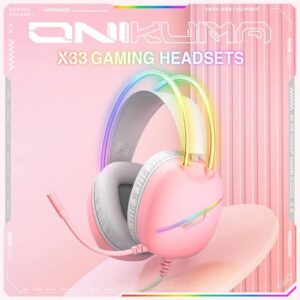
Onikuma X33 RGB Surround Sound Gaming Headset – USB / Type-C | Pink
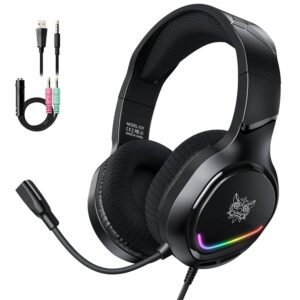
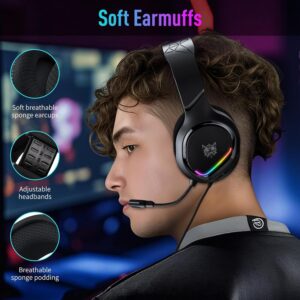
ONIKUMA X31 RGB Stereo Sound Gaming Headset – Jack 3.5mm + USB | Black


Beexcellent GM-280 External USB Sound Card & HUB


iNSIST G04 Premium RGB Stereo Sound Gaming Headset – Jack 3.5mm + USB | Black

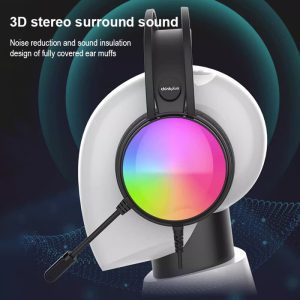
Lenovo ThinkPlus G83B RGB USB 7.1 Surrounded Gaming Headphone – For PC | Black
منتجات ذات صلة
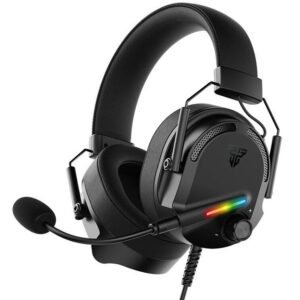
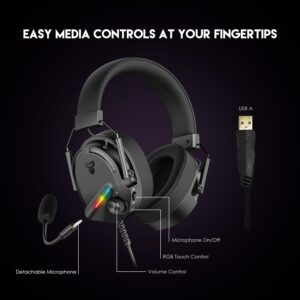
FANTECH GH26 Virtual Alto 7.1 Surround RGB Gaming Headset USB – for PC | Black
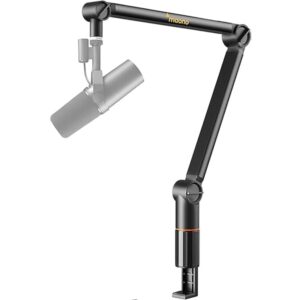
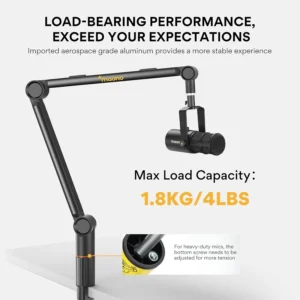
Maono BA91 Microphone Boom Arm Suspension – Up to 1.8 Kg weight | Black
- ضمان سنة من الوكيل بمصر
- Microphone Boom Arm Suspension
- Withstand up to 1.8 Kg weight
- Adjustable And 360° Rotatable with 3/8″ to 5/8″ Adapter
- Heavy Duty Microphone Stand
- Sturdy And Stable Build / Easy to Use
- Compatible Maono Microphone :PD400X/PD200X/PD100/PM500/PM320/PM325T
- Universal Compatibility for Quadcast, Quadcast S, Seiren mini, SoloCast





























المراجعات
لا توجد مراجعات بعد.