

 Gaming Case
 Power Supply- PSU
 Gaming Keyboard
 Office Keyboards
 Wireless Keyboards
 Combo
Combo Gaming Combo
 Office Combo
 Gaming Mouse
 Office Mouse
 Wireless | Bluetooth Mouse

 Gaming Headset
 Office Headset
 Wireless Headphone
 Earphone
 TWS Earbud

 Microphones
 Mic Accessories


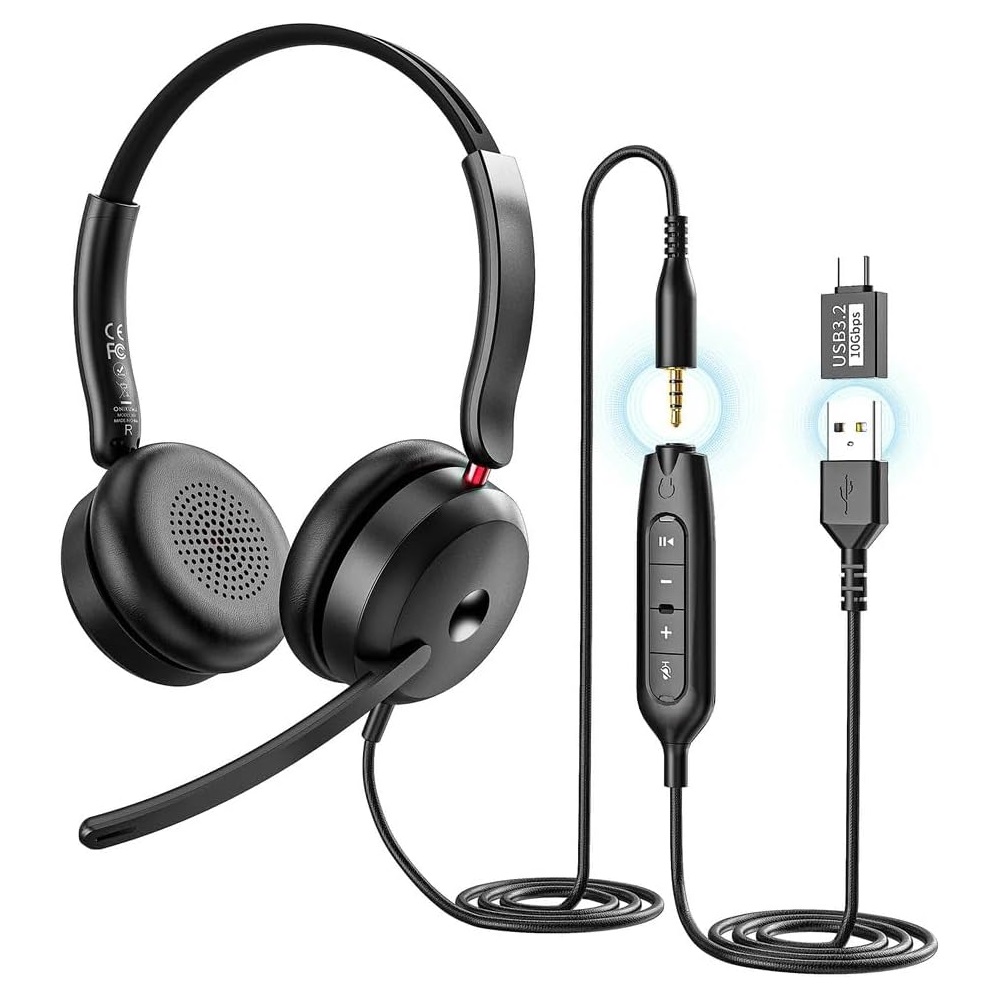




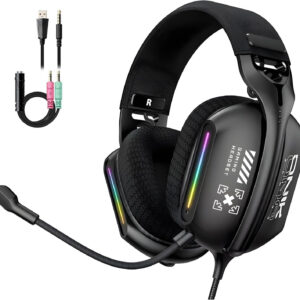
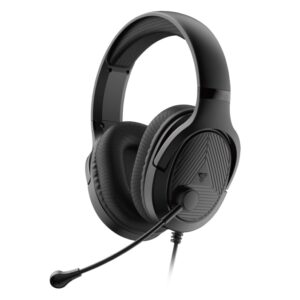
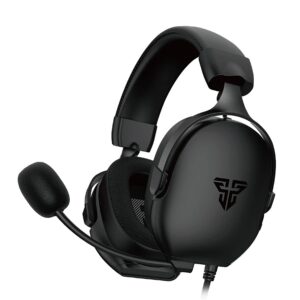
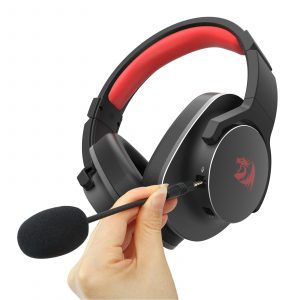
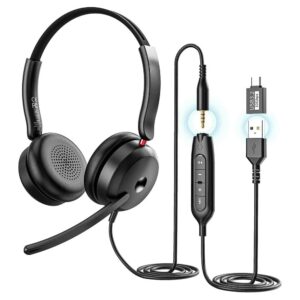
ONIKUMA X81 Multi-Platform Headphon – AUX 3.5 / USB-A / USB-C | Black
Original price was: 750 L.E.650 L.ECurrent price is: 650 L.E.
- 6 Month warranty
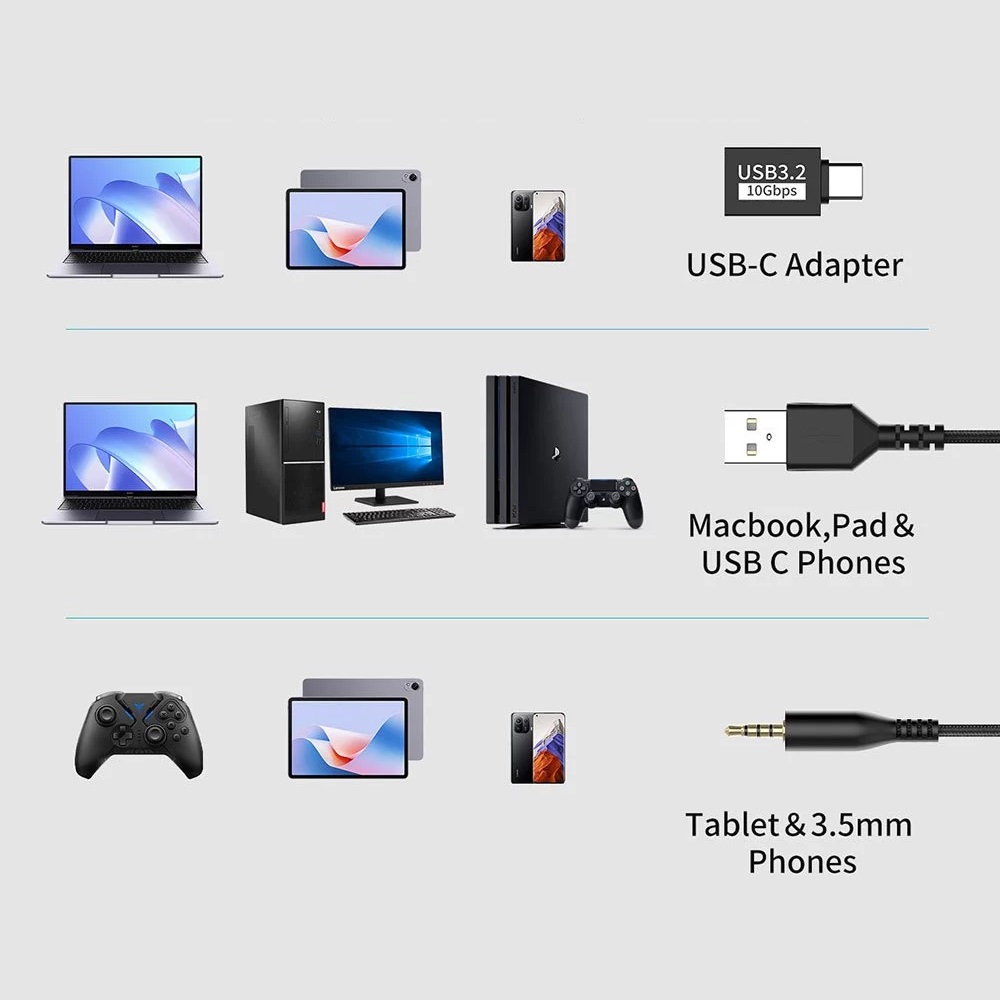
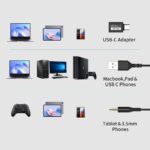
- Wired Headphones AUX 3.5mm / USB-A / USB-C
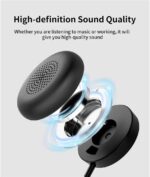
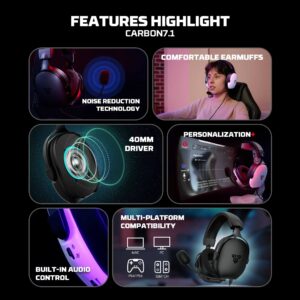
- HD Sound Quality 40mm Speaker Unit
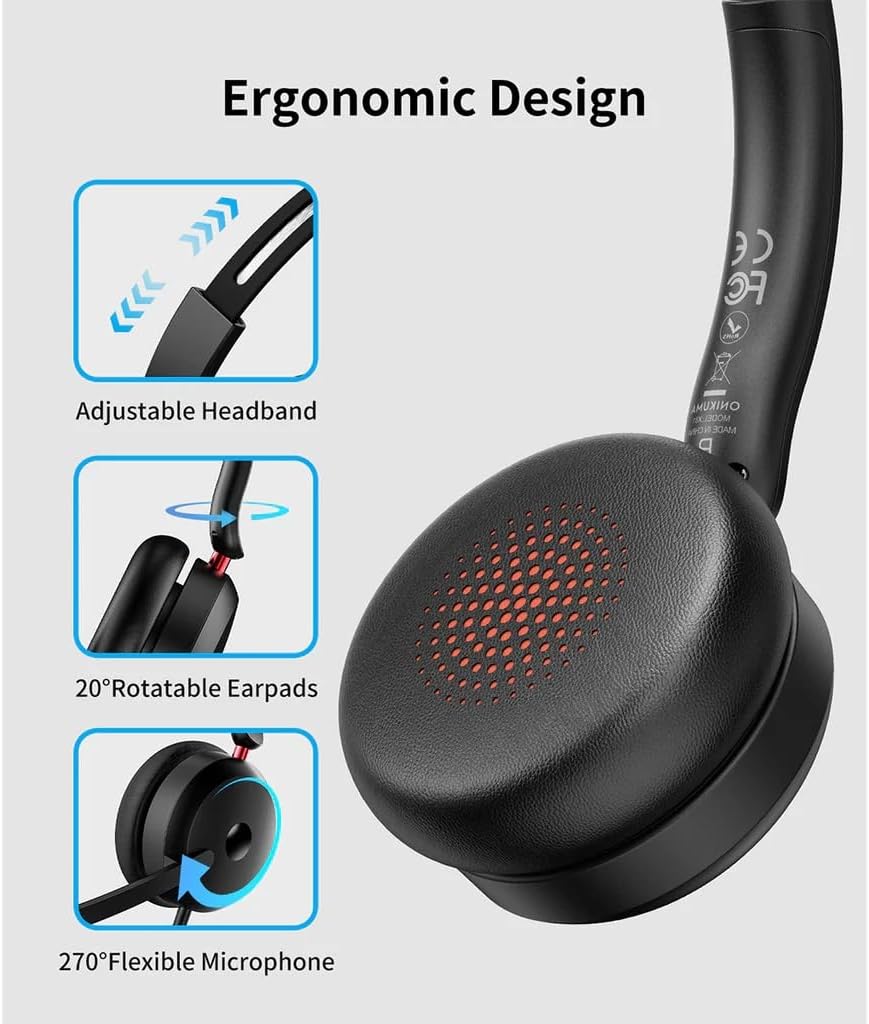
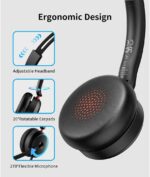
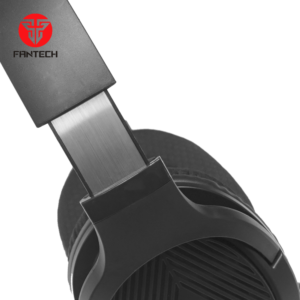
- The earcups rotate 20° for comfortable use
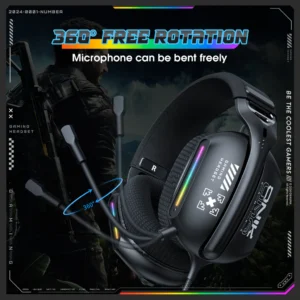
- High-Performance Noise-Reduction Microphone rotates 270
- Multi-Platform Support : PS 4/5, Switch, Mobile, PC
ONIKUMA X81 Multi-Platform Headphon
ONIKUMA X81 Multi-Platform Headphon Professional On-Ear Wired with Noise Cancelling Microphone – HD sound quality for crystal-clear audio – 40mm Speaker Unit – Support AUX 3.5mm / USB-A / USB-C, For PC, Mobile , PS5 -4, Xbox, Laptop | Black
These wired headphones support AUX 3.5 / USB-A / USB-C, allowing them to connect to almost any device, including PCs, laptops, Macbooks, smartphones, and more. Enjoy HD sound quality for crystal-clear audio. The ergonomic design features an adjustable headband that fits comfortably in your head. The earcups rotate 20° for comfortable use, while the microphone rotates 270° and offers excellent noise reduction.
Product Features
- Wired Headphones Supports AUX 3.5 / USB-A / USB-C
- Compatible with 99% of devices
- HD Sound Quality 40mm Speaker Unit
- The earcups rotate 20° for comfortable use
- High-Performance Noise-Reduction Microphone rotates 270°
How to use:
- Turn on/off the voice assistant – When connected – Press and hold the Play button
- Answer a call – Incoming call – Press the Play button
- Hang up – During a call – Press the Play button
- Reject a call – Incoming call – Press and hold the Play button
- Turn on/off the microphone – Incoming call/During a call – Press the Mute button (red light when microphone mute is enabled, off when microphone mute is disabled)
- Play/Pause – Press the Play button
TECH SPECS
- Brand: Onikuma
- Model: X81
- Speaker Size: 40mm
- Impendance: 16Ω±15%
- Sensitivity: 115±3dB
- Frequency Response: 20Hz-20KHz
- Microphone: 4.0×1.5mm
- Microphone Sensitivity: -42±3dB
- Microphone Impendance: ≤2.2KΩ
- Directionality: Omni-Directional
- Cable Length: 1.8±0.15
- Working Current: ≤20mA
- Headset Jack: Type-C/USB
- Product Size: 10x15x4
- Compatibility: PC, Mac, PS4, Xbox, Switch, mobile devices
| Brand |
ONIKUMA |
|---|---|
| Color |
Black |
Only logged in customers who have purchased this product may leave a review.



















Reviews
There are no reviews yet.